
You're about to join a call with a client you last spoke to three weeks ago. What did they ask for? Did you promise to send something? Was there a decision you were supposed to check? Most of us either skip the prep or spend fifteen minutes digging through notes and emails.
This guide gives you a two-minute prep routine and shows how Voicerec's People and catch-up briefs do most of the work for you.
Before any recurring meeting, a 1:1 or a client call, answer three questions:
Write the answers in two or three bullets. That's enough to start the meeting with confidence: "Last time you mentioned the rollout to the second team. How is that going?"
In Voicerec, the People list is built from the speaker names you set in your transcripts. Name a speaker once and that person appears in People, with a page that lists the recordings you've made together.
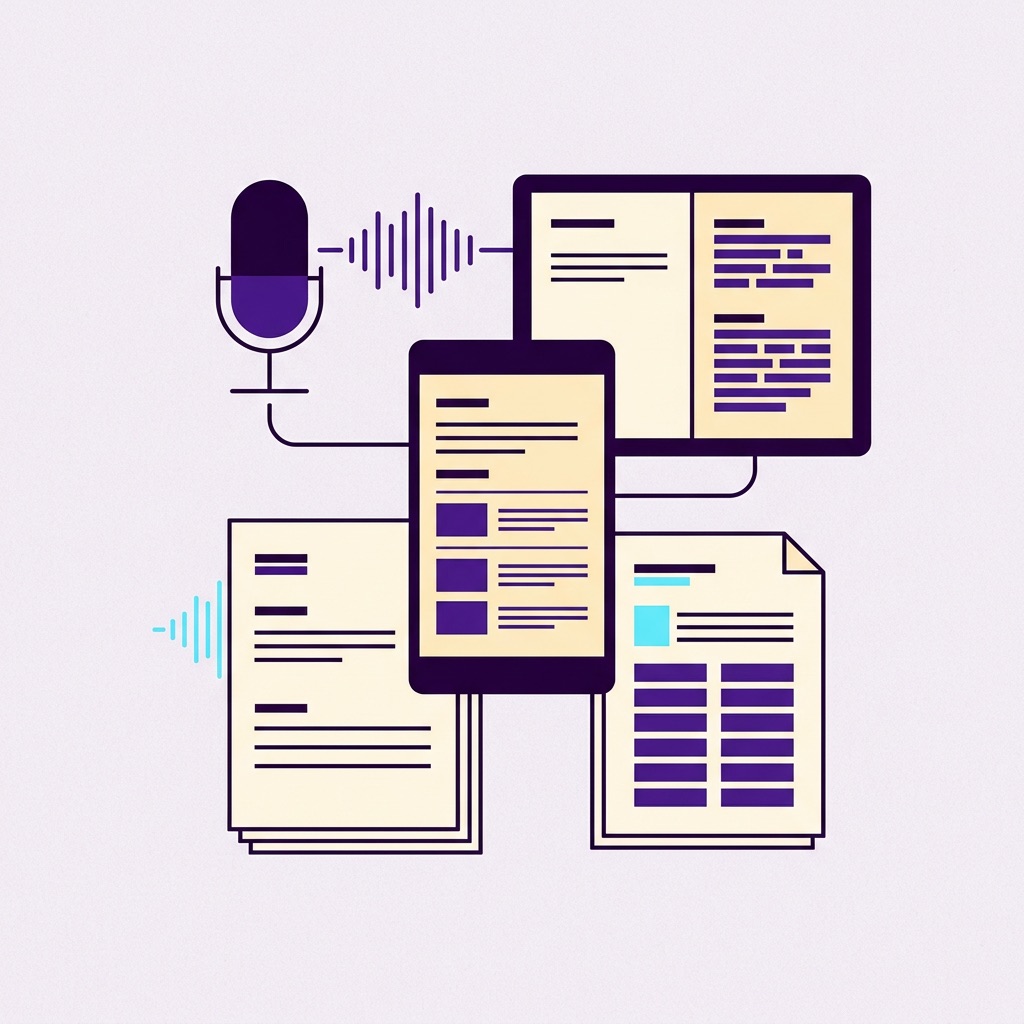
On a person's page, tap Catch me up. Voicerec writes a short brief from your most recent recordings with that person: what you last discussed, what was promised and what to follow up. Each point links to the moment it's based on, so you can hear the exact words before the meeting.
Catch-up briefs are part of Premium. After new recordings with the person, tap Catch me up again for a fresh brief.
A brief covers the essentials. When you want more, ask about your meetings with that person directly: "What did she say about the budget?" or "Which features did they ask for?" Ask answers from your recordings with that person and links to the exact moments. Read more in Ask Your Recordings.
People and briefs only work if you record your conversations, so make sure the people you record know about it and agree. Consent rules differ between countries and states. Our article Is It Legal to Record Conversations? covers the basics.
Good prep is the difference between "remind me where we were?" and picking up exactly where you left off. With Voicerec, the recordings you already make become a short brief before every meeting: what you discussed, what was promised and what to follow up.
1. Where does the People list come from?
It's built from the speaker names you set in your transcripts. Name a speaker and they appear in People.
2. What's in a catch-up brief?
What you last discussed, what was promised and what to follow up, based on your most recent recordings with that person, with links to the moments it's based on.
3. Is the catch-up brief free?
Catch-up briefs are part of Premium. The People list itself is available on every plan.
4. Can I remove someone from People?
Yes. Use Hide to remove a person from the list, and This is me to mark yourself.
5. Does it work in other languages?
Yes. Voicerec transcribes nearly 100 languages.
Record your conversations, name the speakers and get a catch-up brief before you meet.
Download Voicerec