
Stop worrying about forgetting important details. Focus on expressing your thoughts clearly while Voicerec captures every word.
FEATURES
Voicerec turns your spoken or recorded audio into perfectly organized notes, so you can act on your best ideas.
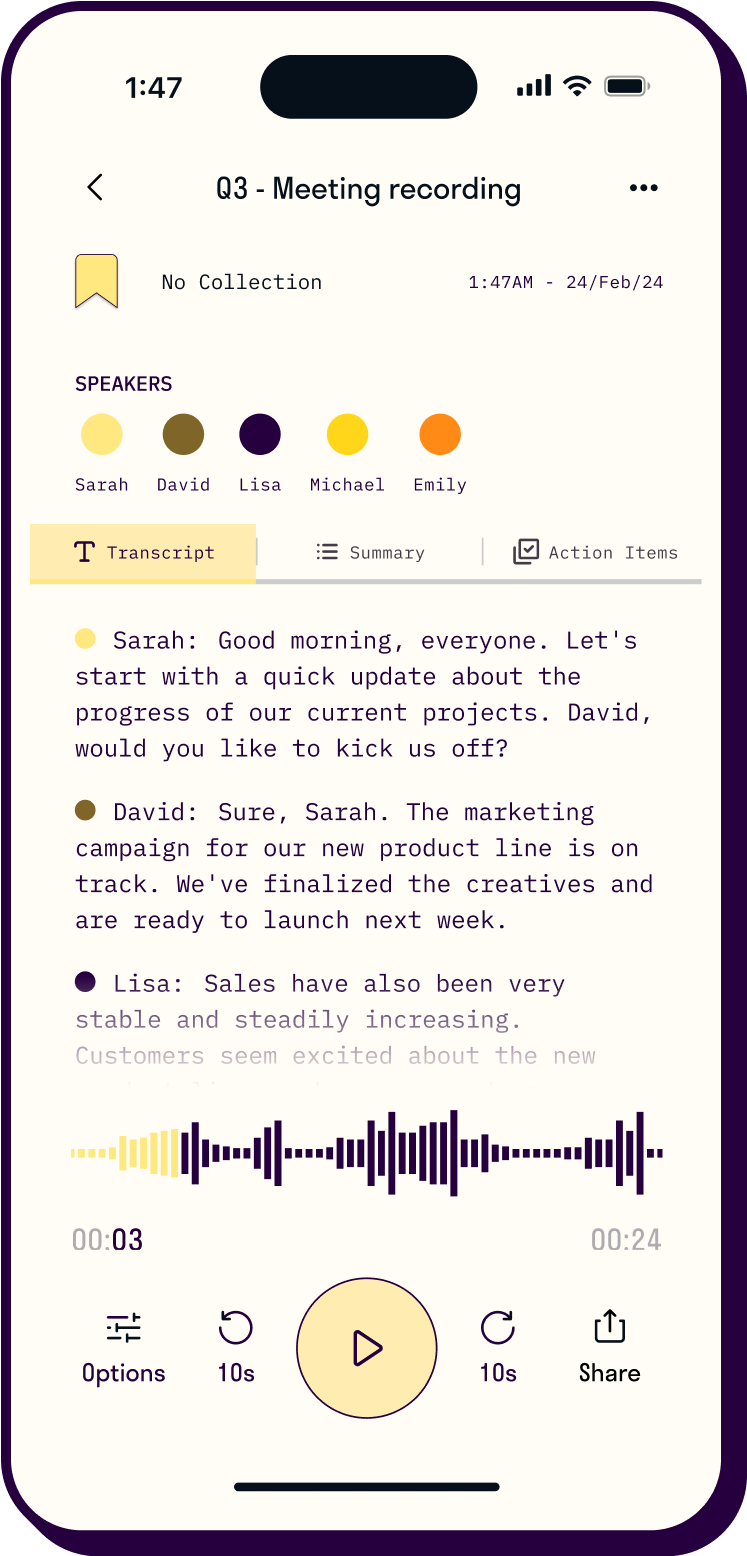
Finally, an updated recording experience designed to feel as second-nature as having a conversation.
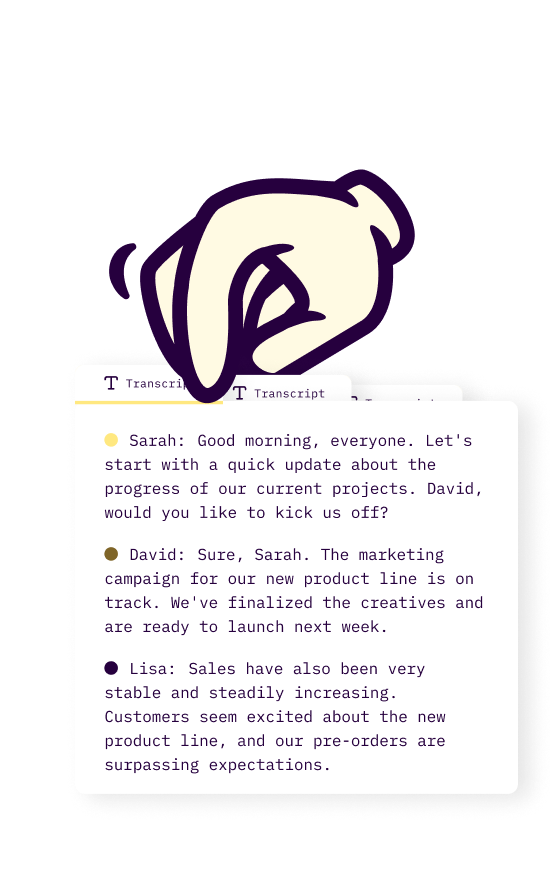
Use AI to quickly transcribe your voice recordings into notes that can be saved, edited, and shared any time.
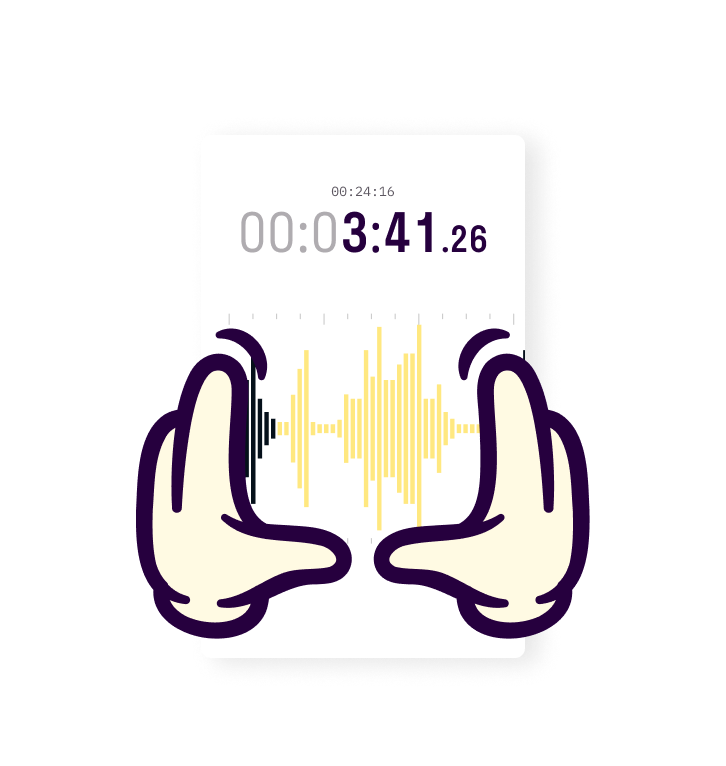
Voicerec's processor not only captures every detail but also ensures audio clarity for referencing important information.
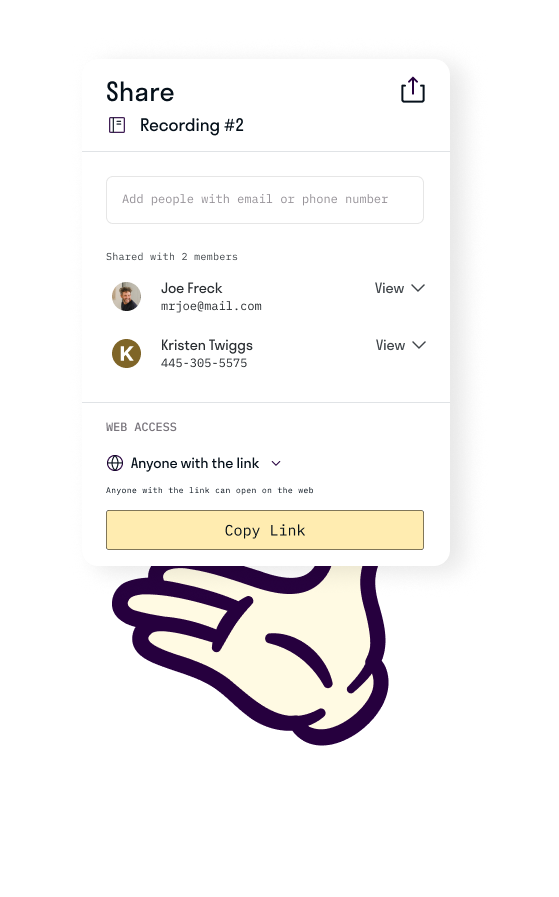
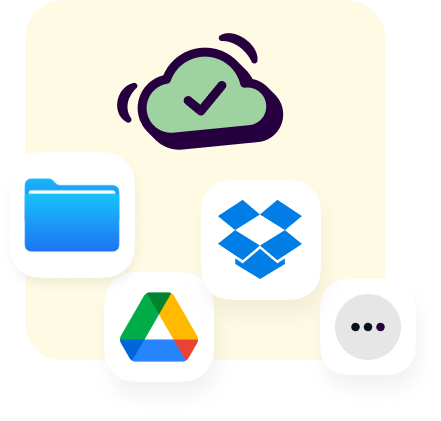
Securely store essential voice note details with encrypted cloud storage. Share recordings directly to your favorite storage platforms, or your favorite people.


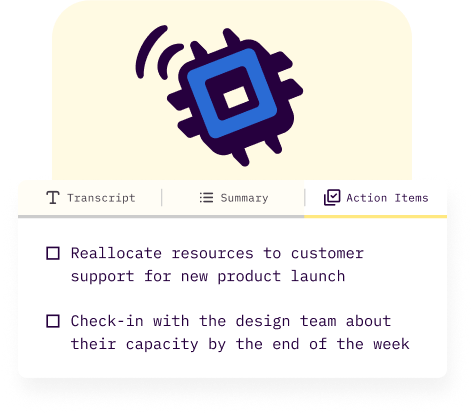
Transform your voice into organized documents instantly. Advanced AI turns everything you record into searchable transcripts, clear action items, and structured notes—all before you hit stop.
Start capturing crystal-clear audio with a single tap. No menus, no bots joining meetings, no settings, no distractions—just pure, intelligent recording that adapts to your environment and lets you focus on what you're saying.
From raw audio to ready-to-share documents in minutes. Voicerec's editing automatically identifies speakers, enhances audio quality, and lets you control playback speed—all with lightning-speed processing power.
Organize recordings your way, instantly. Create custom collections that match your workflow, find any moment with powerful search, and share securely to your favorite platforms—all from a library that adapts to how you naturally work.
NEW
Ask questions, get summaries that fit the conversation, and catch up on the people you meet with.
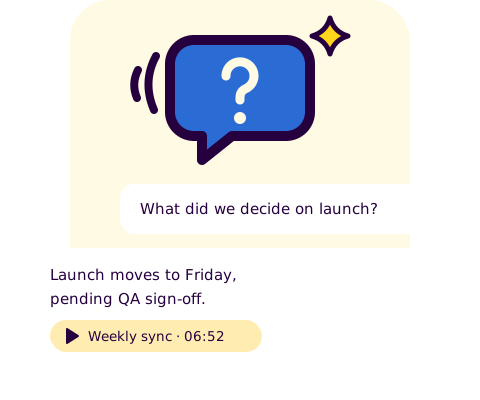
Ask a question about one recording or all of them, like "What did we decide about the launch?", and get a short answer with links to the moments it's based on, so you can jump straight there and listen. Ask in your own language, even if the recording is in another one. Free on your free recordings; with Premium, ask across all your recordings.
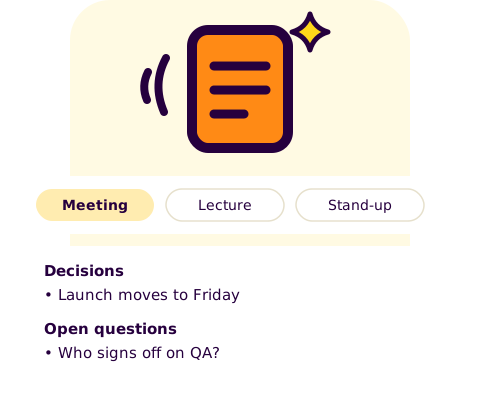
Pick the summary that fits the conversation: meeting, one-on-one, stand-up, interview, lecture, sales or voice note. Each template gives you a structured summary with the sections that matter, like decisions and open questions for a meeting, or key concepts and assignments for a lecture, written in the recording's language. Use them on your free recordings, or on every recording with Premium.
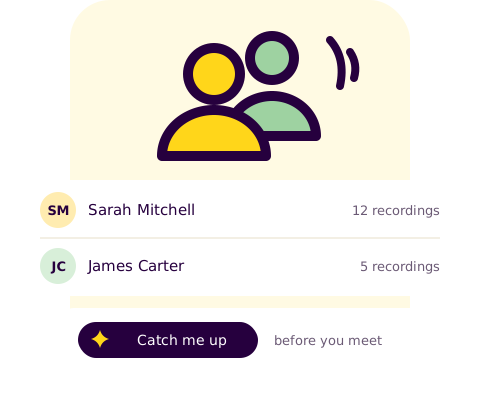
Name the speakers in your recordings to see everyone you've recorded with and the recordings you've made with each of them. Before your next meeting, get a quick catch-up: what you last discussed, what was promised on either side and what's worth following up, with links to the moments it's based on. Catch-up briefs are part of Premium.
NEW
Voicerec reads your calendar so recording a meeting is one tap, and keeps you in the picture while it records.
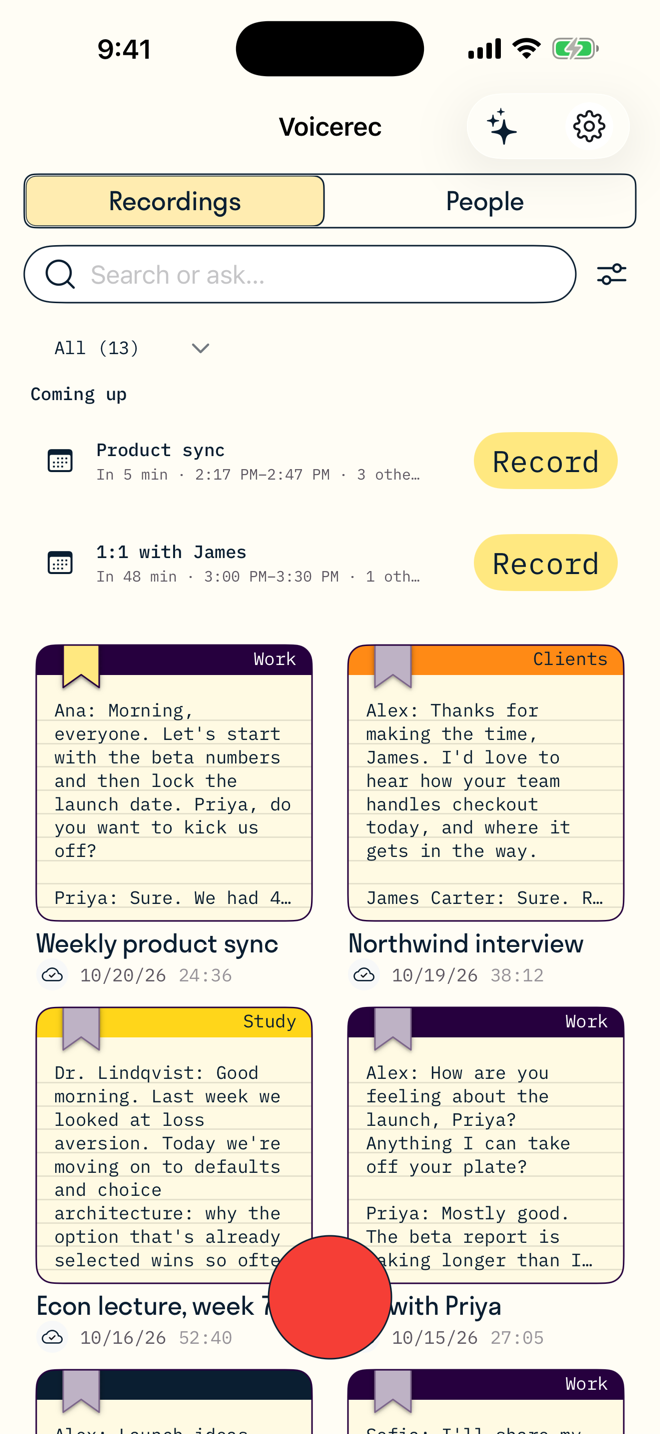
Connect Apple Calendar and your next meetings appear on Home on iPhone and in the menu bar on Mac, each with a Record button. A minute before a meeting with other people, Voicerec reminds you; tap the reminder and it's recording. The recording is named after the meeting, and the attendees are offered when you name the speakers, so your People list fills itself. Google and Microsoft calendars work too, through the accounts already on your device. Voicerec only reads your calendar; nothing is written to it or uploaded from it.
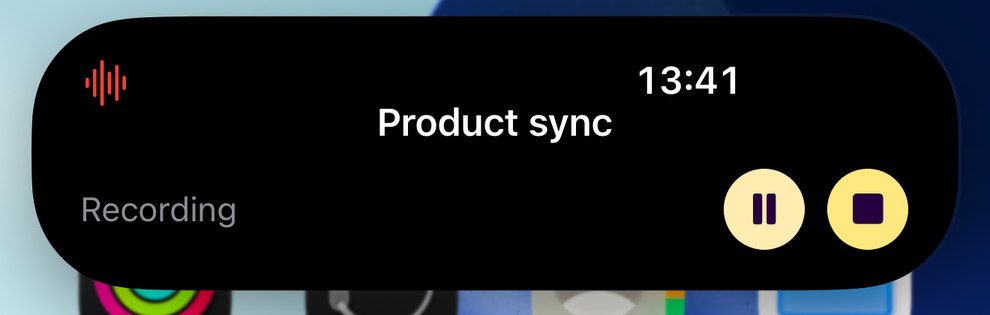
On iPhone, a Live Activity shows the recording on the Lock Screen and in the Dynamic Island: the title, a running timer, and whether it's recording, paused, or was interrupted by a call. Pause, resume, or stop and save without opening the app. A Home Screen widget starts a new recording with one tap.
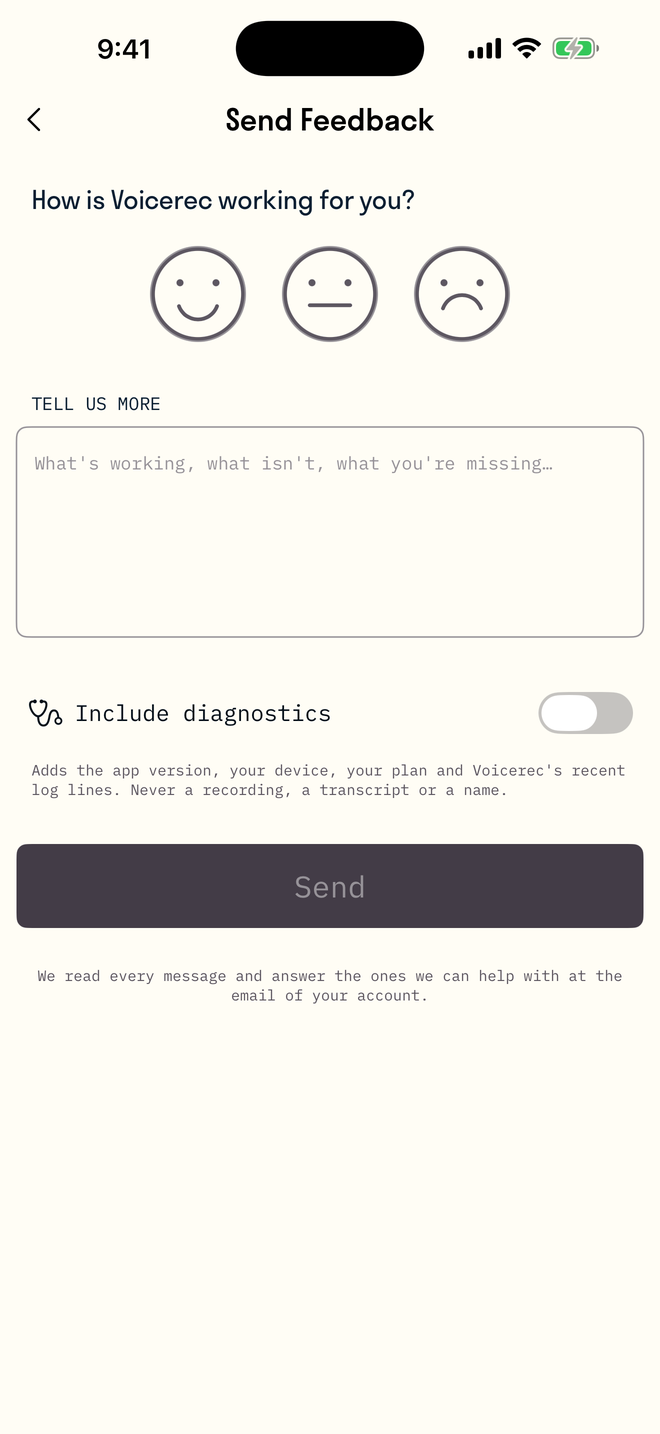
Send feedback from Settings on iPhone or Mac: pick a face, write a line, and choose whether to include diagnostics. Messages go straight to the people who build Voicerec, and we answer the ones we can help with.
SCREENSHOTS
One account, every recording on every device. Record on your Mac, read the transcript on your iPhone.
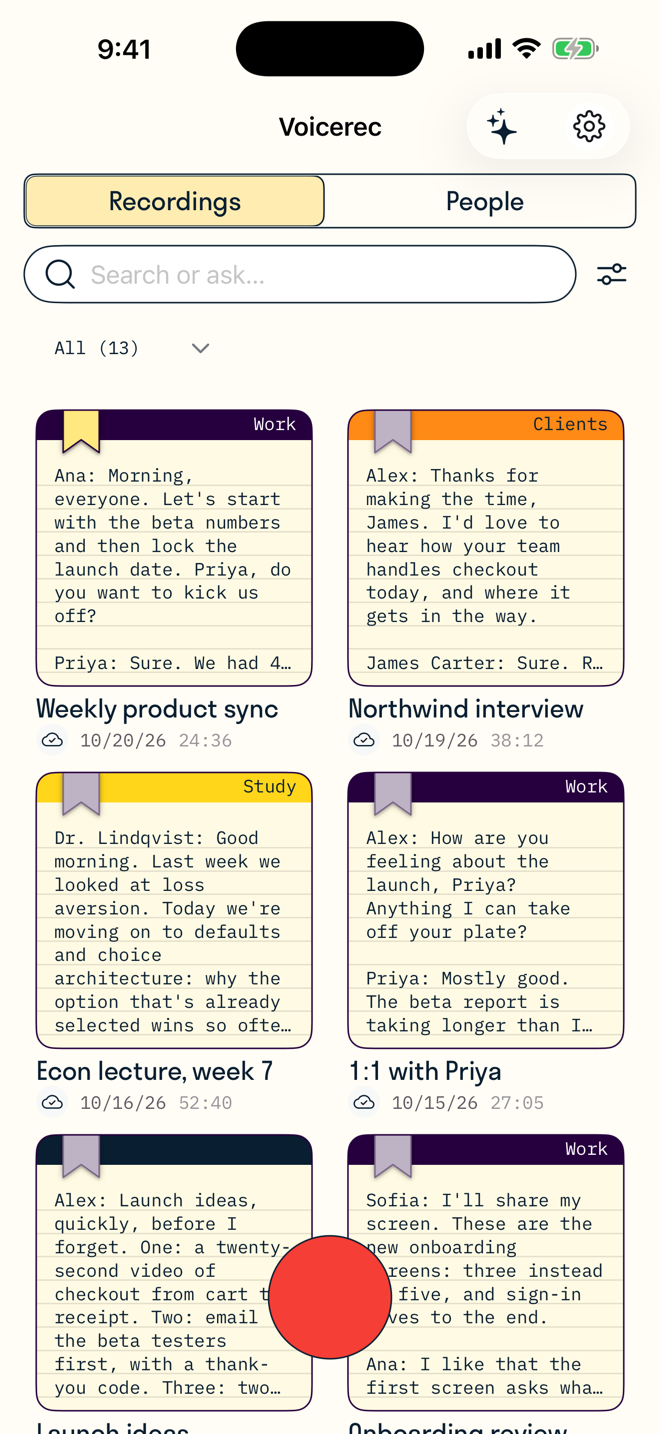
Your recordings
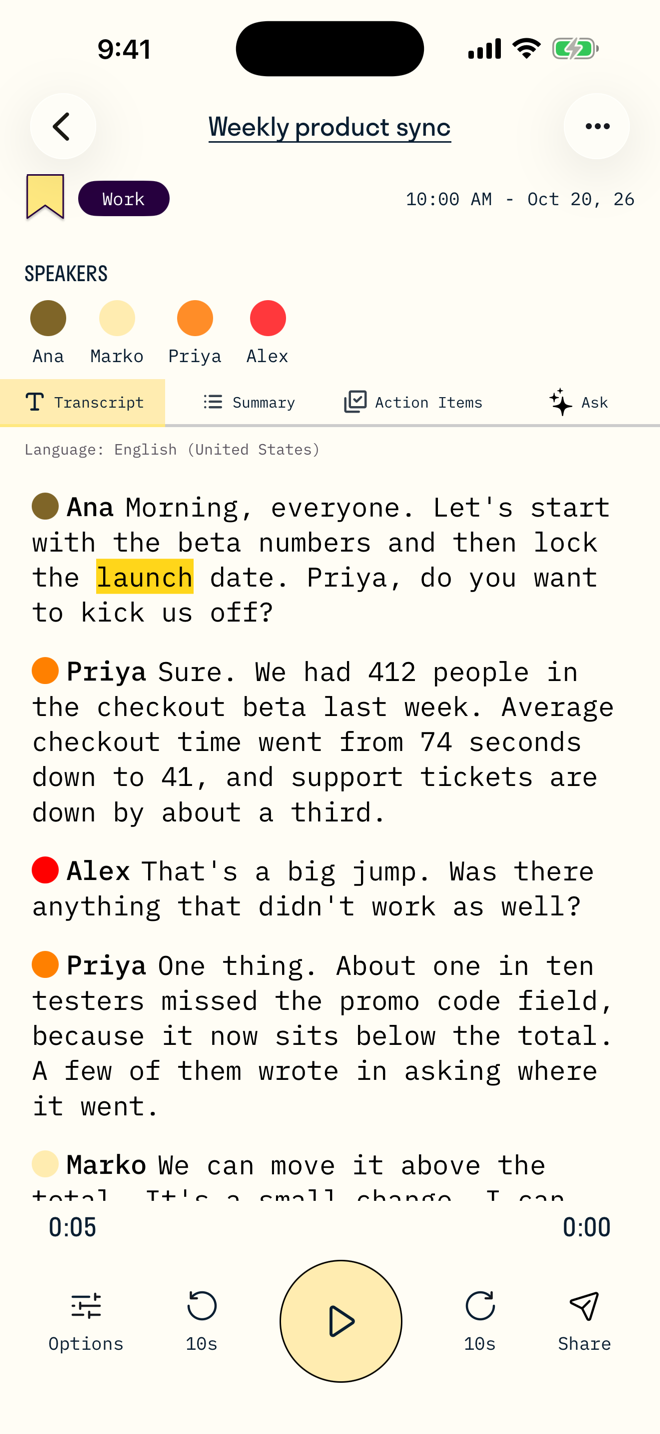
Speaker-labelled transcript
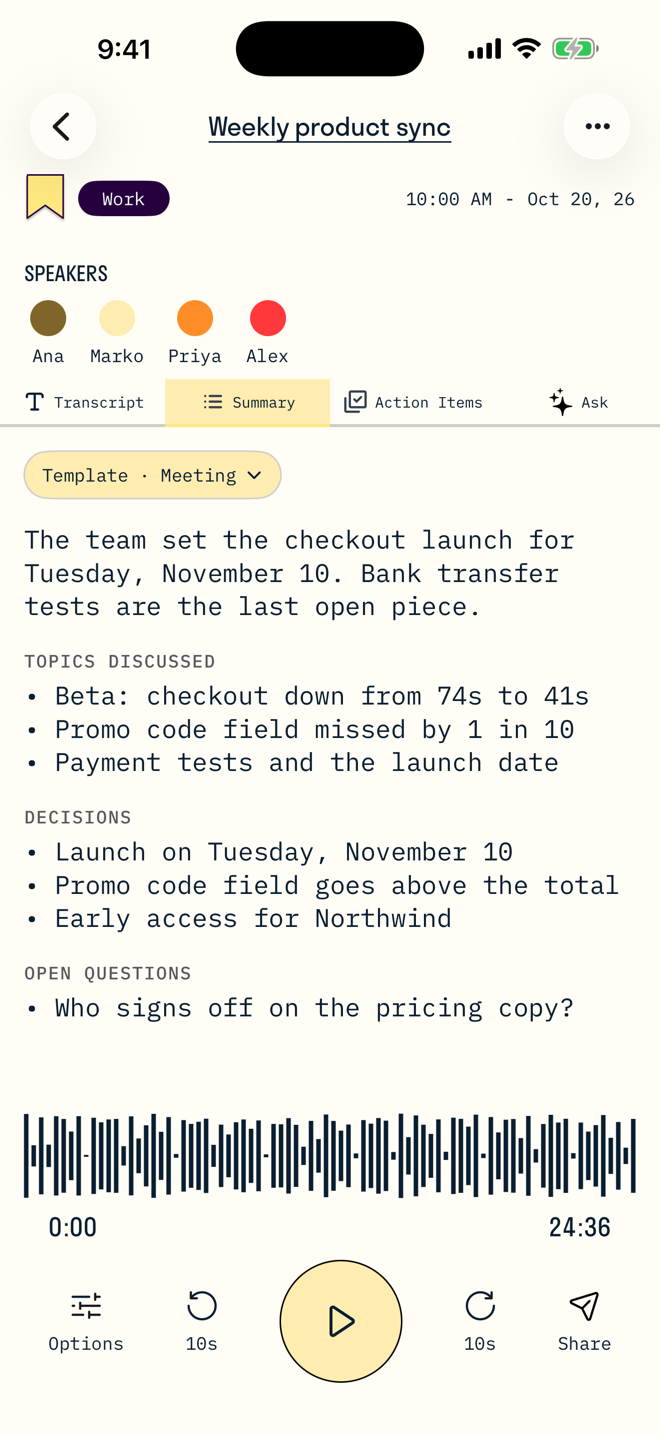
Summary templates
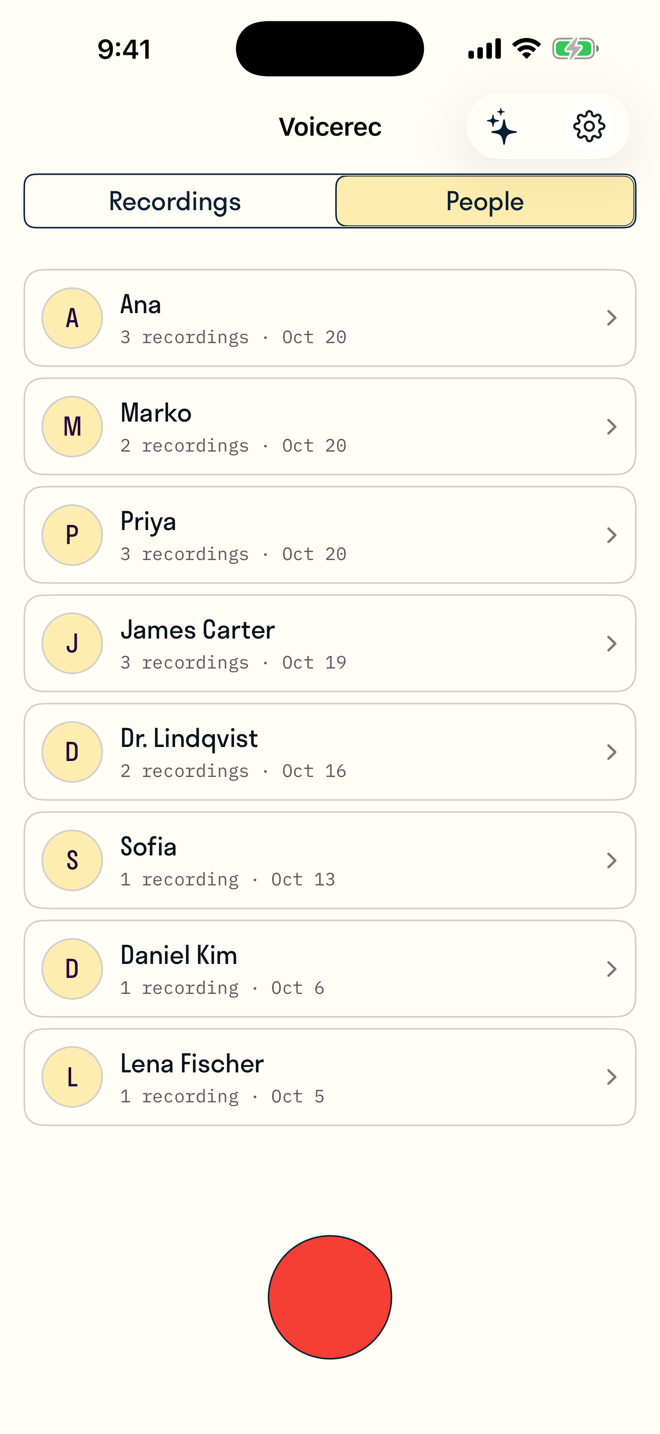
People
Coming up
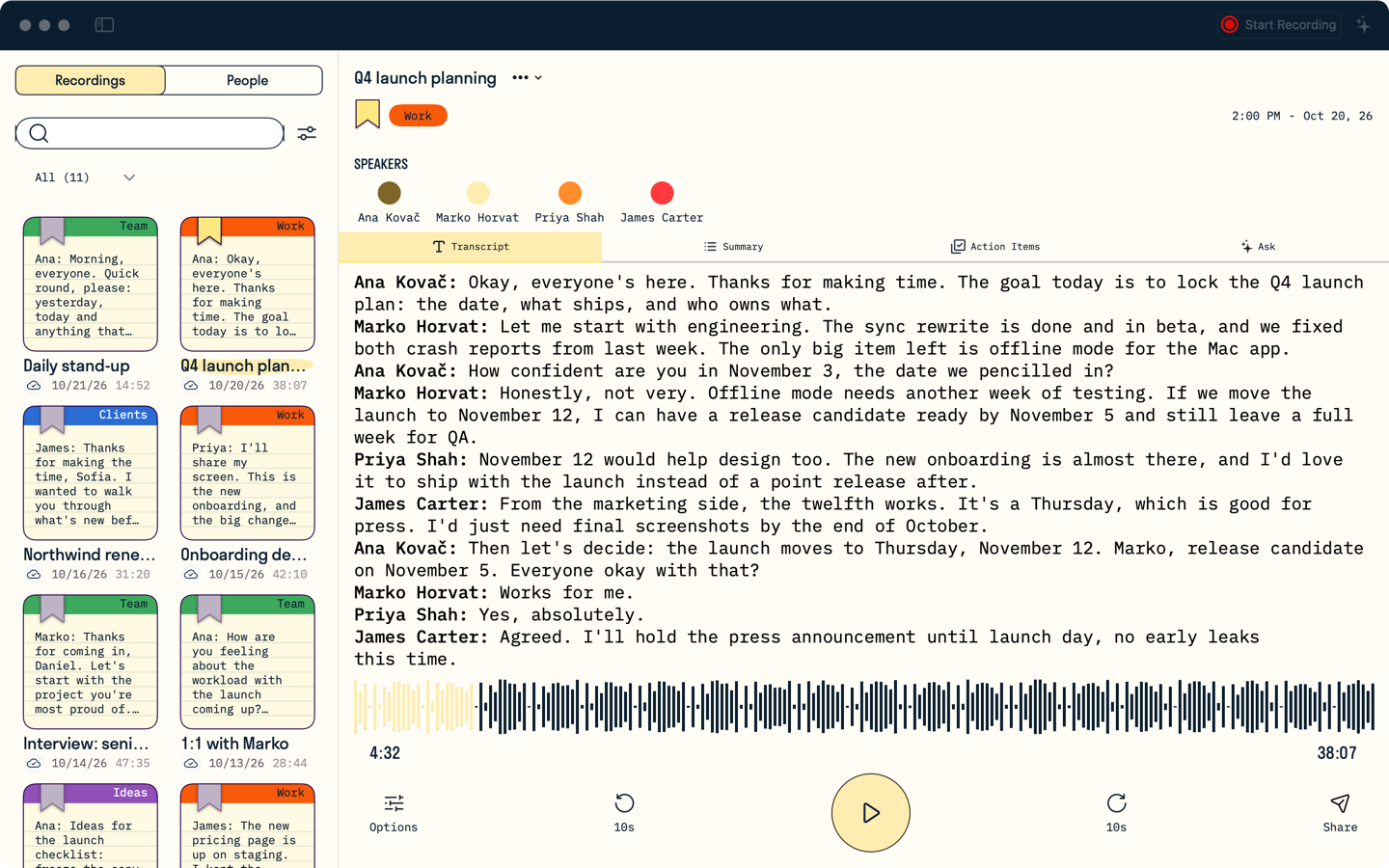
Voicerec for Mac records any call or meeting, with system audio
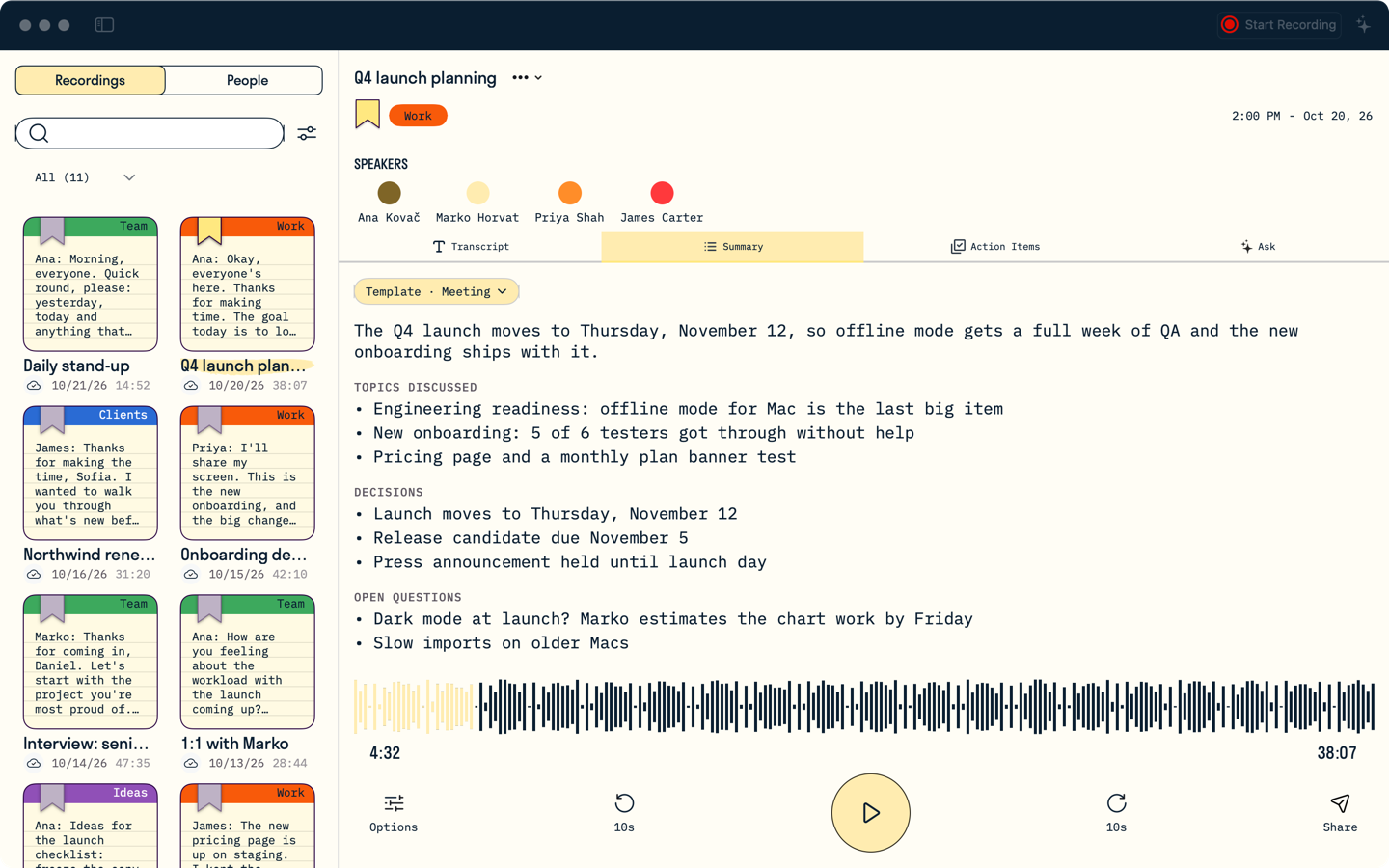
Summaries, action items and Ask on the Mac too
With Voicerec, your voice notes transform into organized, actionable insights. Focus on thinking clearly, not managing recordings.
Download Voicerec
Start free with 3 recordings — transcripts, AI summaries and action items included, no credit card. Upgrade anytime. See pricing.